
Easier sales.
Turn confusing allowances, copays, and upgrades into a price staff can explain and patients can understand.
Read vision benefits, apply your practice’s pricing, and explain the estimated patient cost. Then support the rest of the conversation with quoting, education, and troubleshooting tools.
Benefit-document reading is not live eligibility verification or claim submission. Confirm coverage and final pricing before completing the sale.
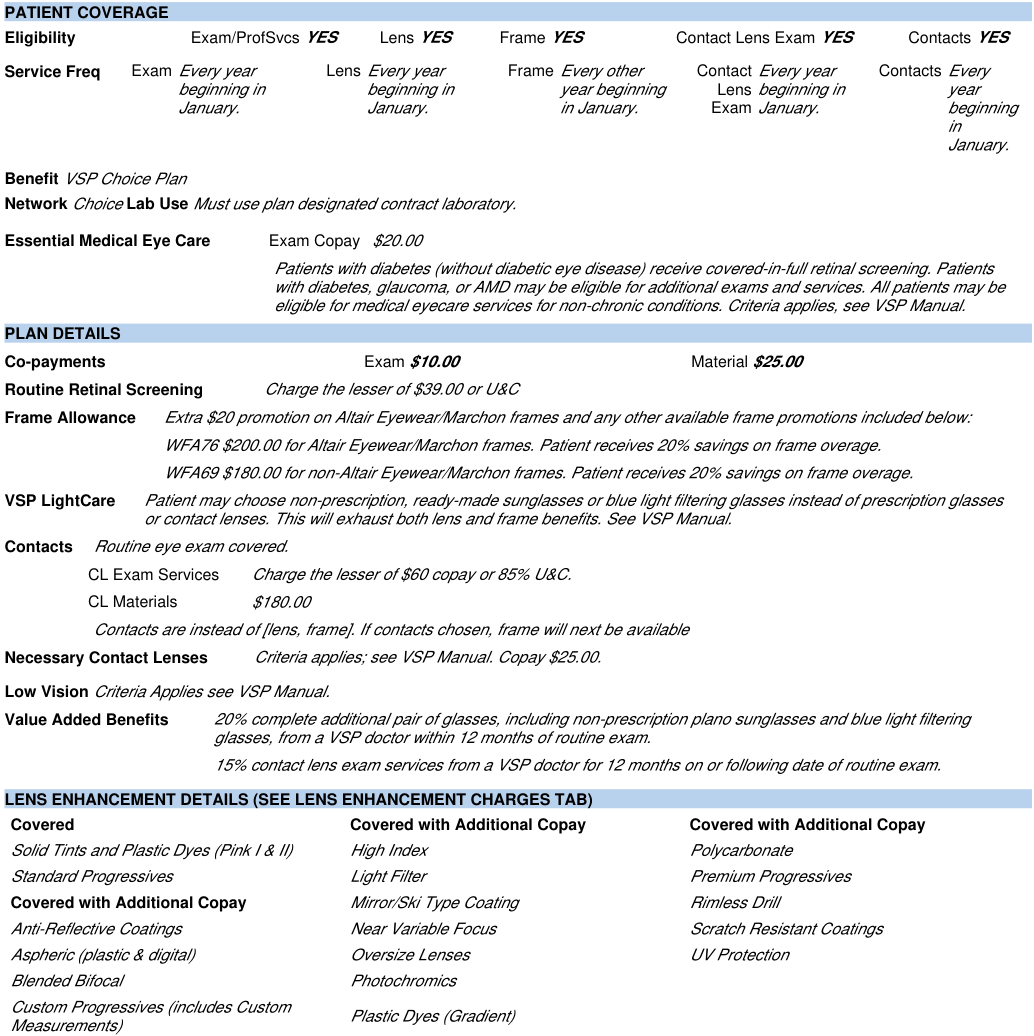
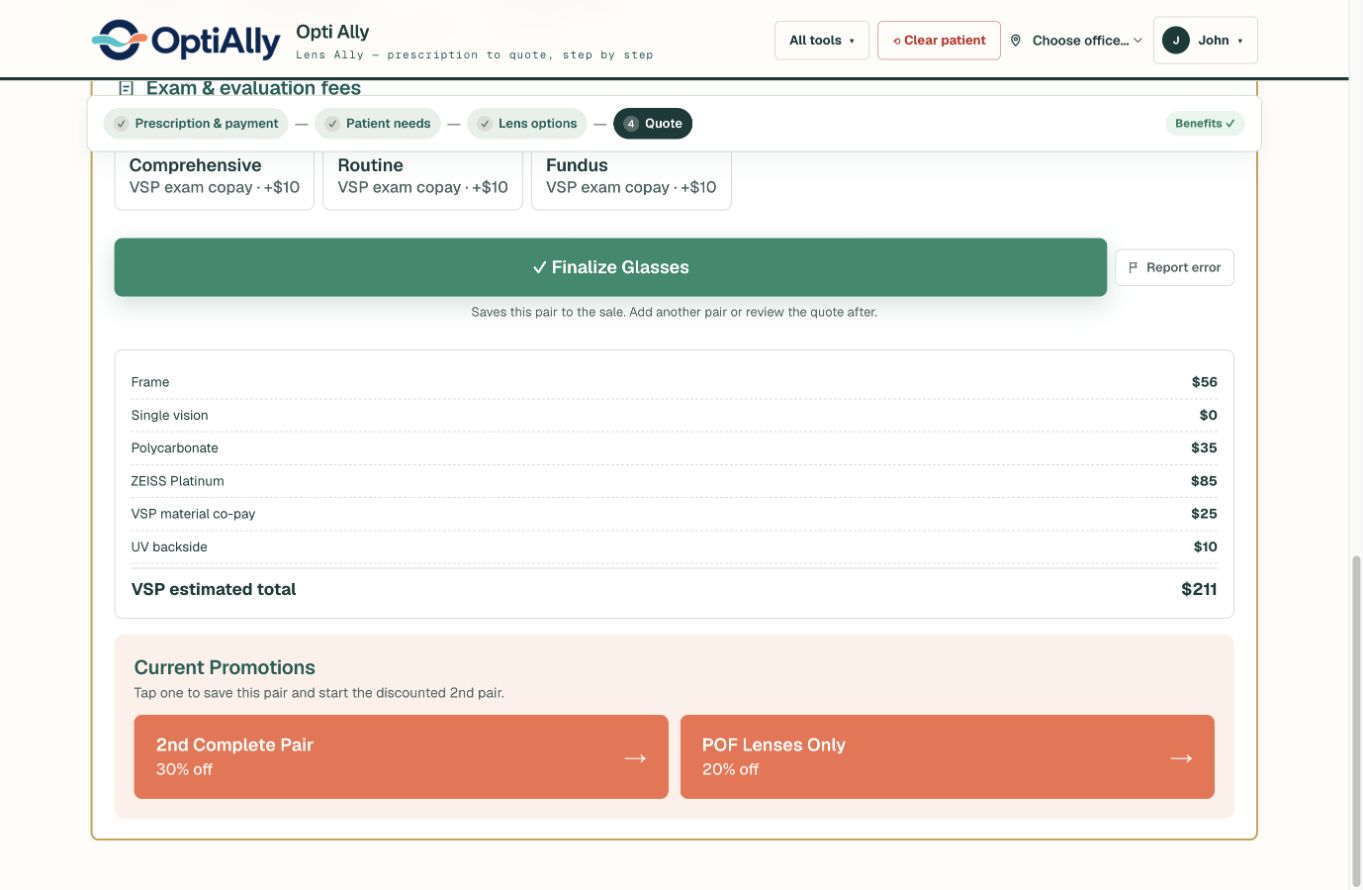
A fictional single-vision prescription and a de-identified VSP Choice report. The $250 non-Altair/Marchon frame uses a $180 allowance and 20% off the overage. The selected lens options, $25 material copay, and $10 UV backside charge make up the rest. Exam fees are not included.
This is one plan and one selection—not a standard VSP price. Staff must review the report and applicable plan rules before completing a sale.
Take a photo of the vision insurance benefit sheet right from the iPad. OptiAlly reads the benefits and automatically calculates the estimated patient price using your practice’s prices—so staff can focus on the sale, not the arithmetic.
Add any insurance with custom plan setup.
Turn confusing allowances, copays, and upgrades into a price staff can explain and patients can understand.
Give new staff guidance during the conversation, without expecting them to memorize every plan’s benefit math.
Automatic calculations help reduce manual-math mistakes, missed charges, and inconsistent quotes.
Guide staff toward the lens brands, treatments, and packages you want to emphasize—matched to the patient’s needs, with your pricing.
Quotes are estimates. Review extracted details and confirm benefits and final pricing before completing the sale.
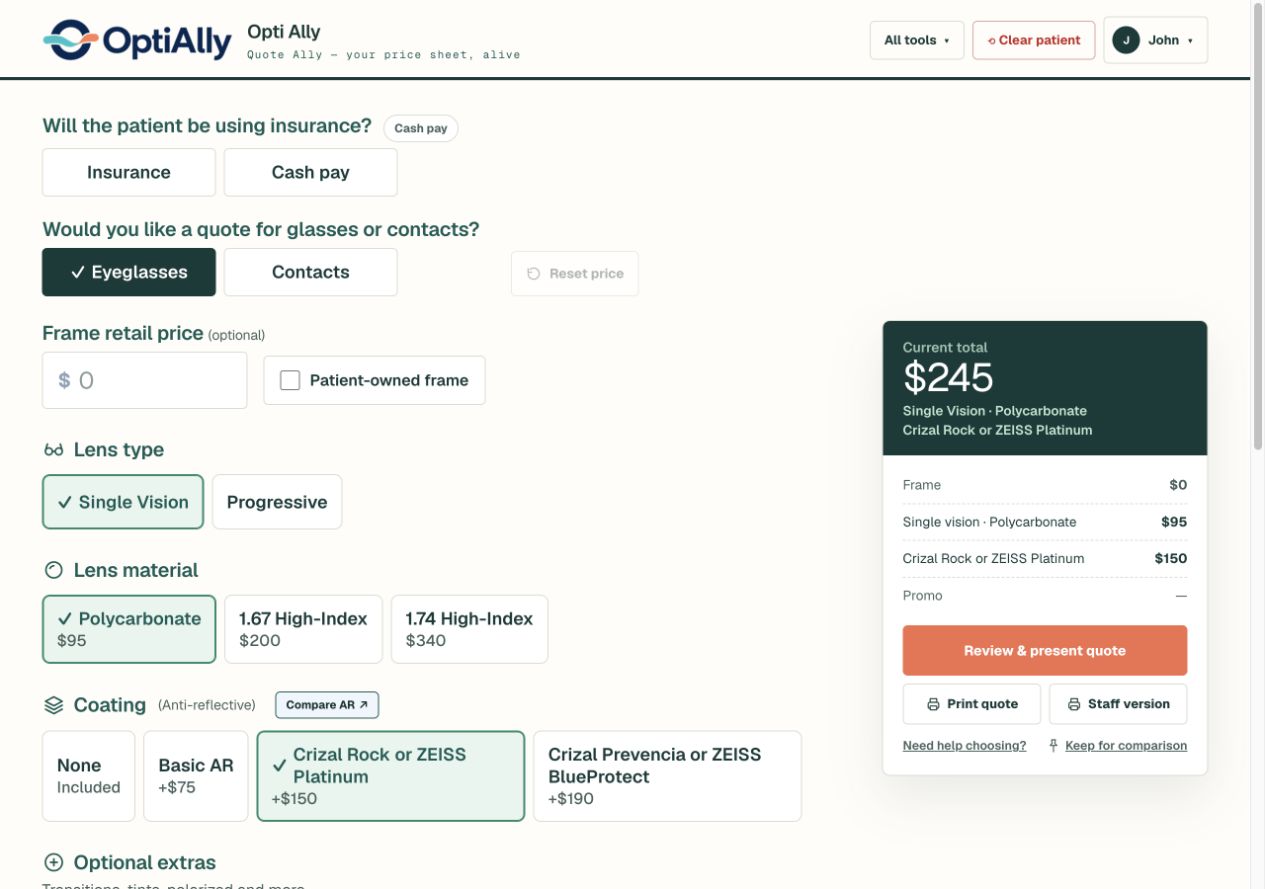
Tap the lens type, material, coating, and extras. Your practice’s prices stay beside the conversation in a clear, itemized total.

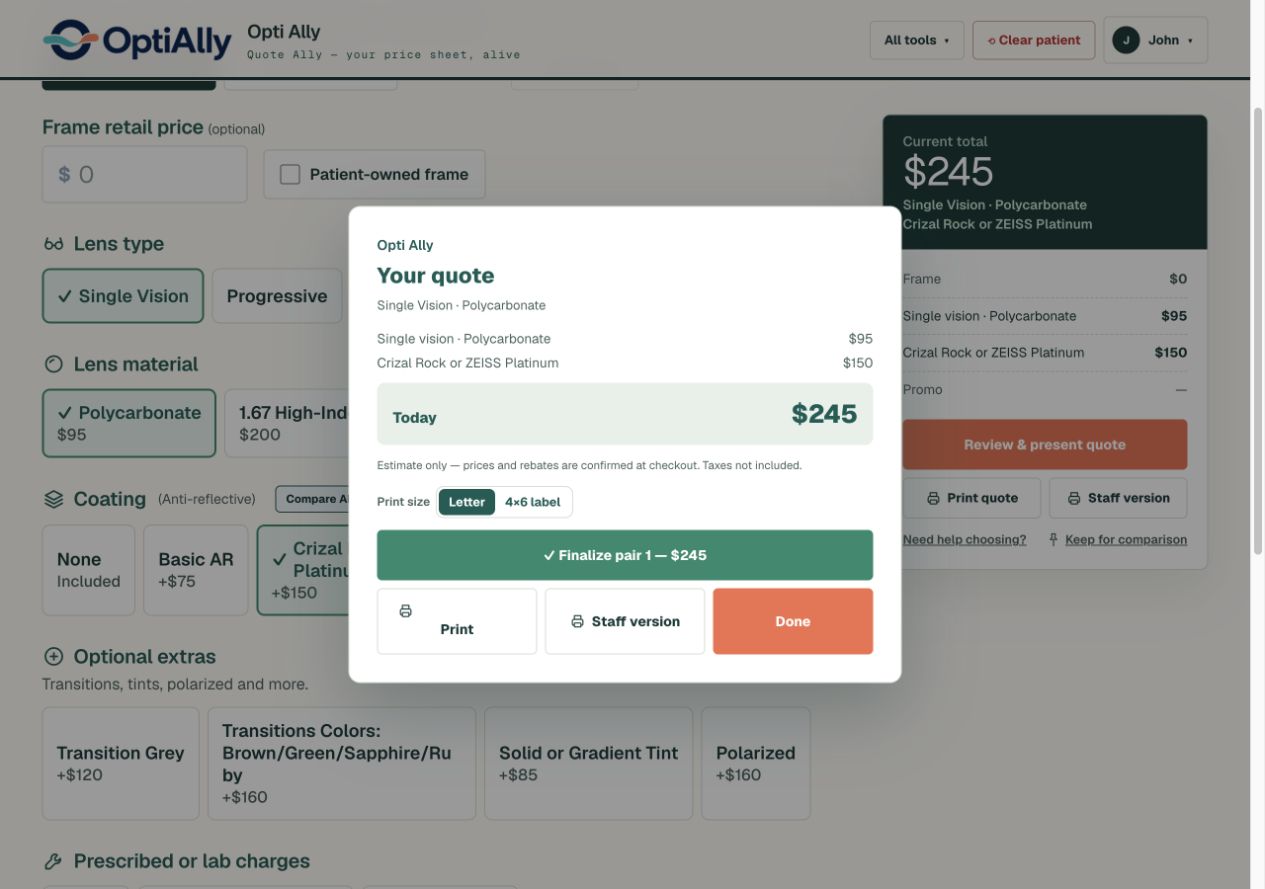
Give the patient a price they can follow. The clean fee slip shows the selected lenses, treatments, and estimated total—without a page of crossed-out numbers.
Print a patient copy or a staff version. Customize the printed layout with your logo, contact details, and footer note.
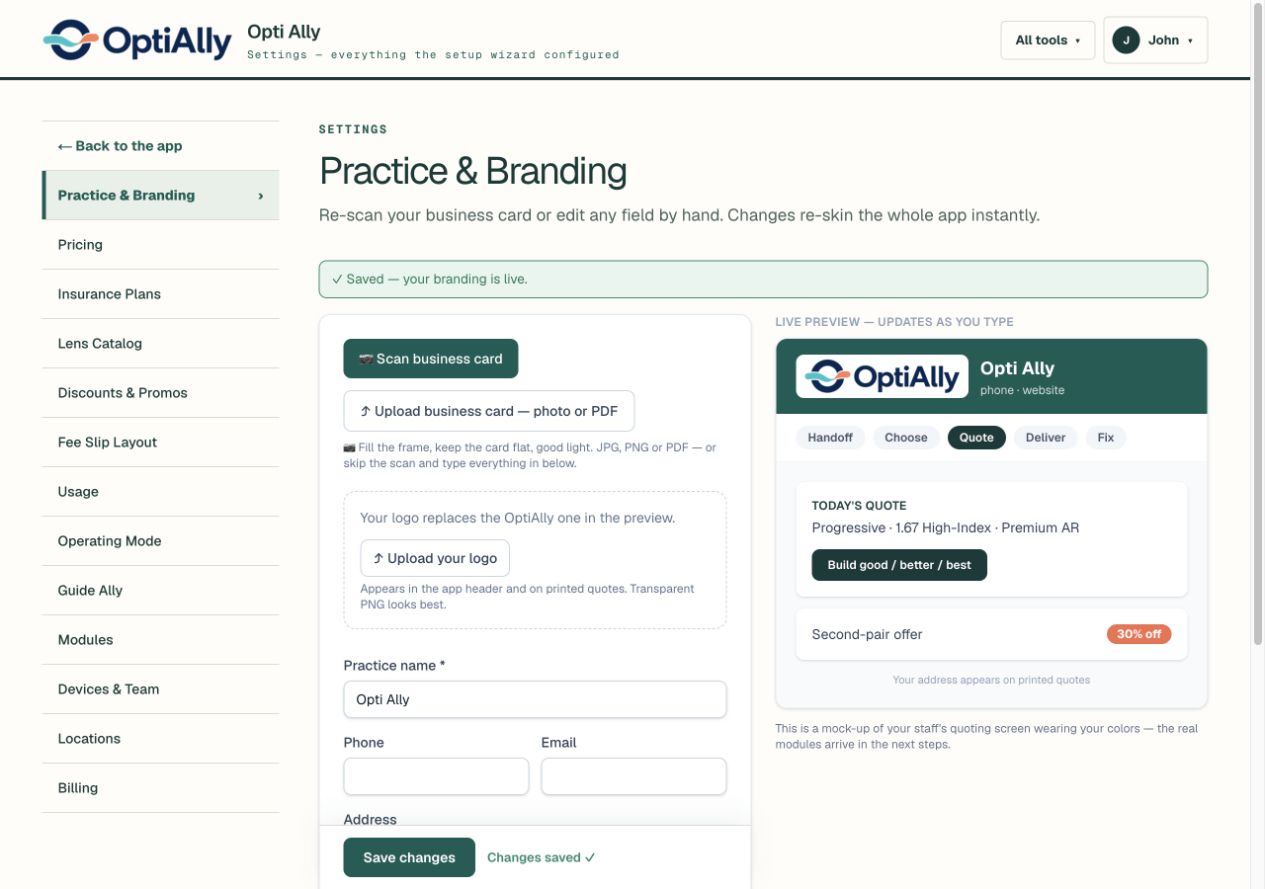
Upload your logo and set your brand colors. Add your products, prices, insurance plans, and promotions. The patient sees a polished experience that belongs to your practice.
Your branding carries into the app header and printed quotes. Settings keep it all editable as your practice changes.
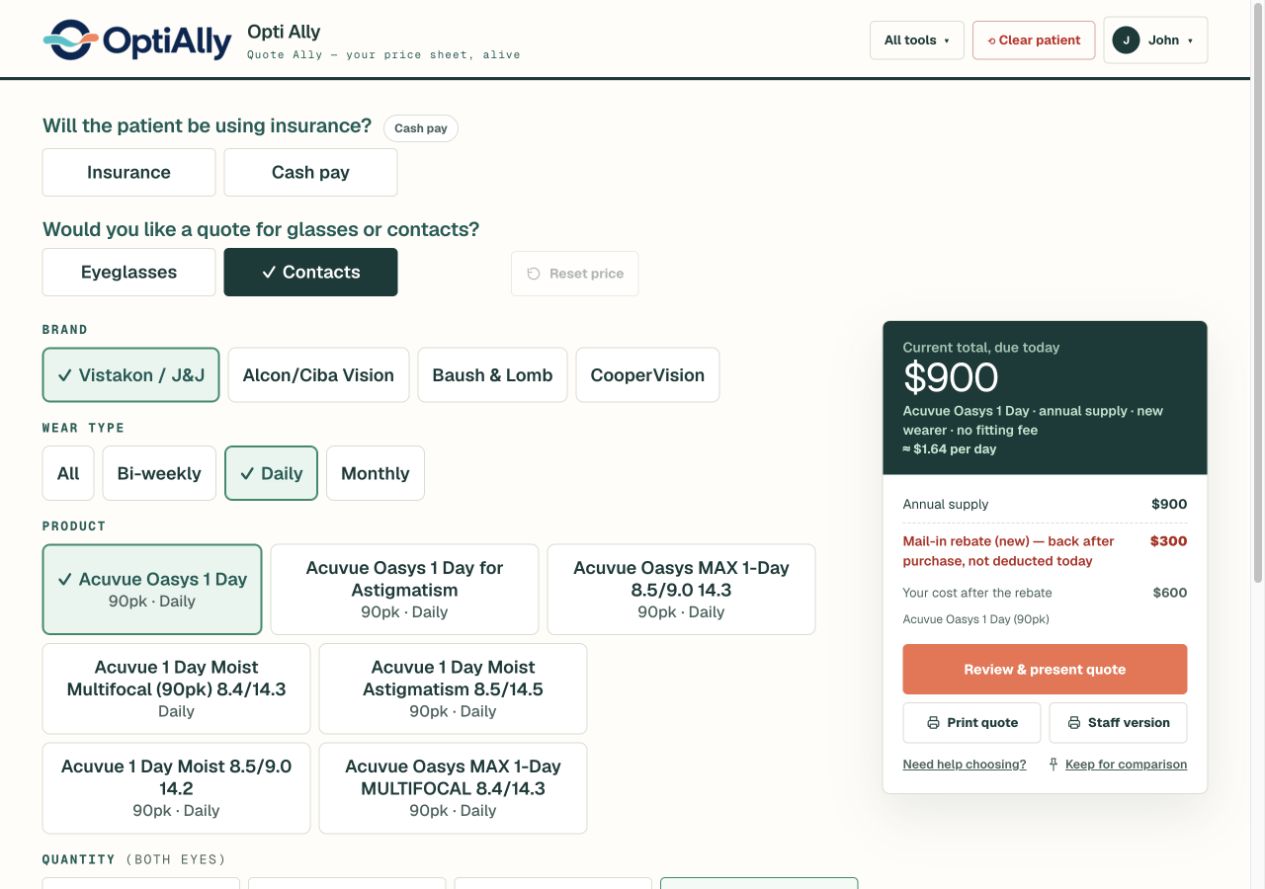
Choose the brand, wear type, product, and quantity. Compare supply options with your configured prices and rebates for new or current wearers.
Add fitting and evaluation fees, then present a clear estimate. Rebate eligibility and final prices still need to be confirmed.

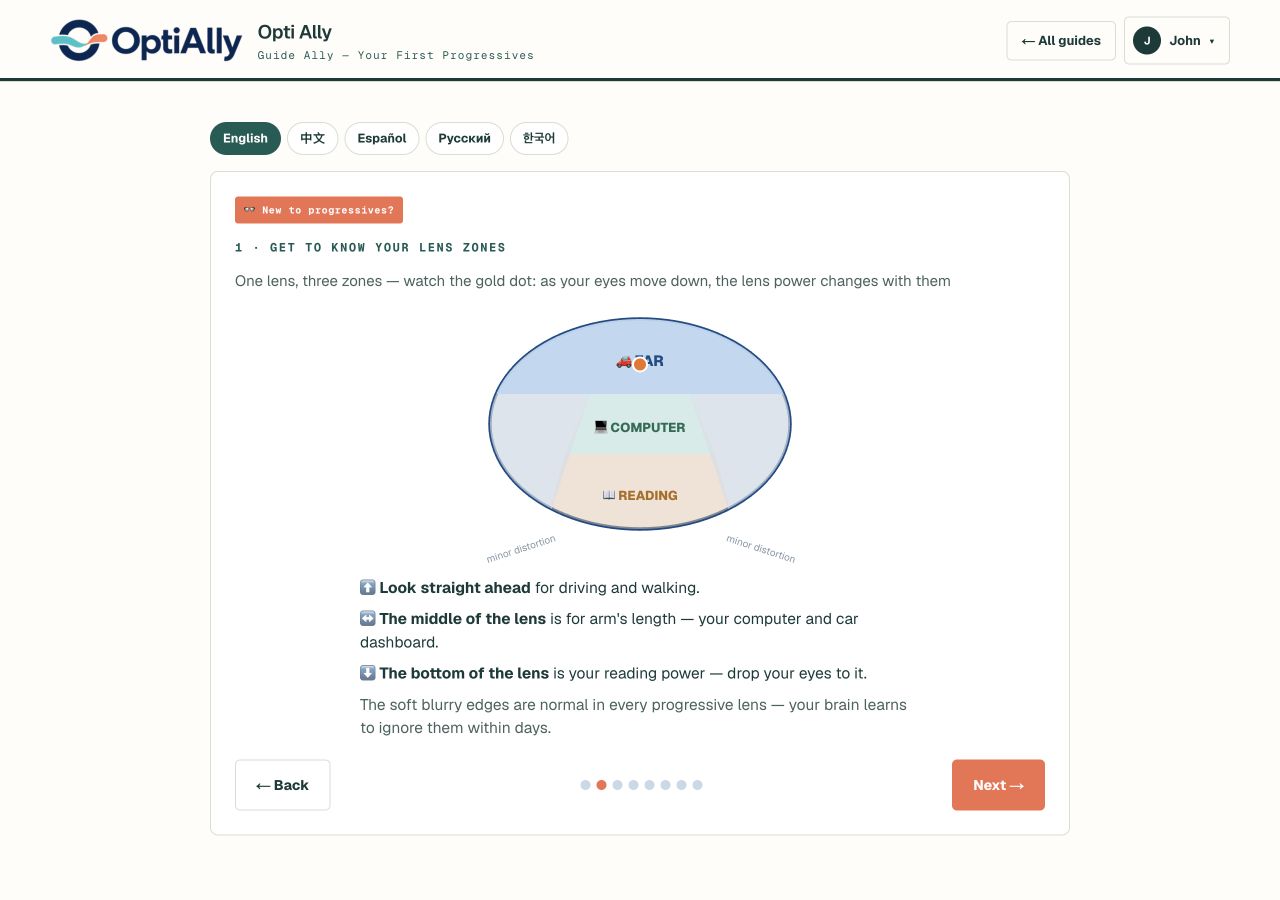
Walk through first progressives, contact-lens insertion and removal, or the nightly Ortho-K routine. Give staff a consistent way to explain what happens next.
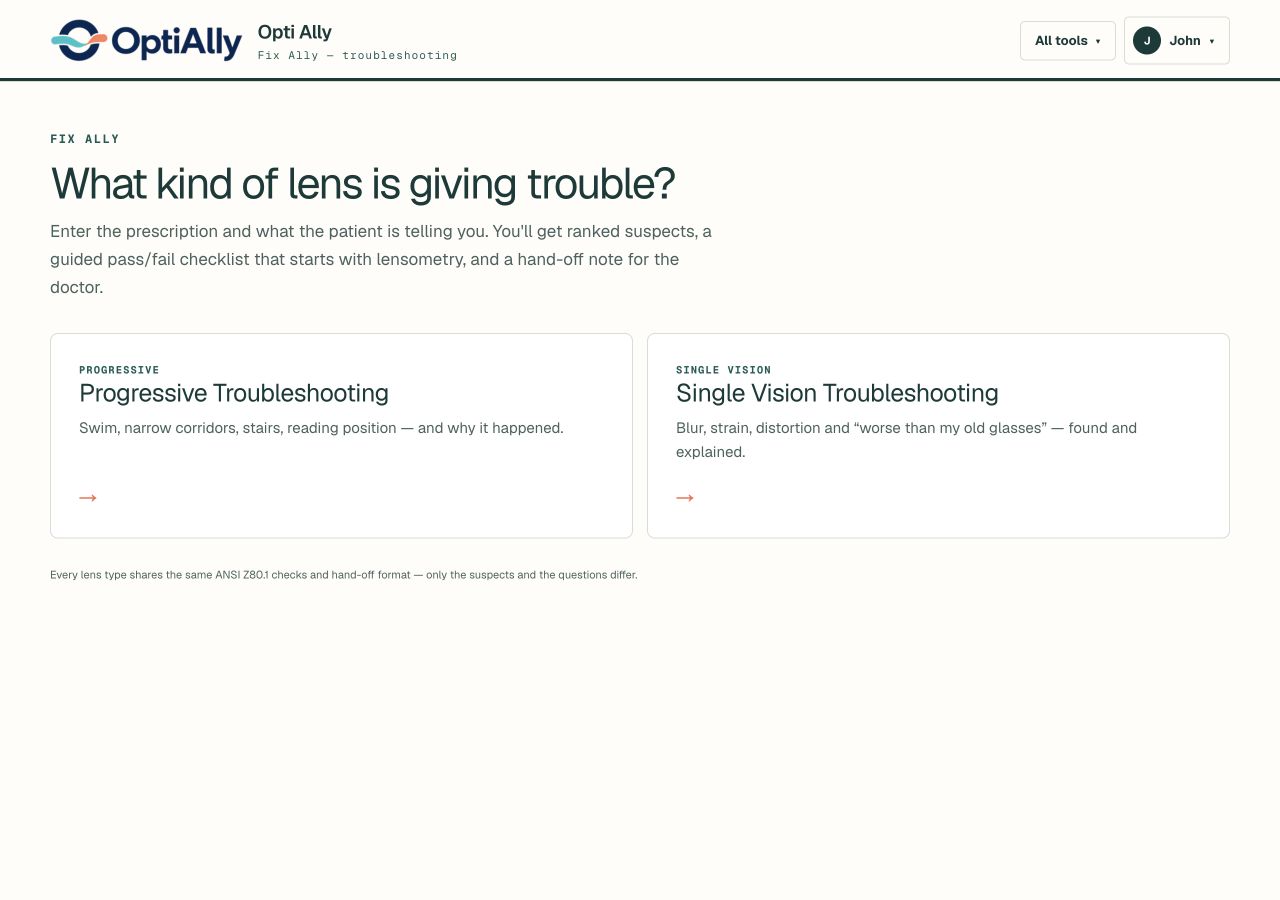
Choose progressive or single-vision troubleshooting. Work through the prescription, measurements, complaint, lens, and history instead of jumping straight to a remake.
Fix Ally provides ranked possible causes, a guided pass/fail checklist starting with lensometry, and an optometrist hand-off note. It supports your team’s judgment; it doesn’t replace it.
Take a photo, upload the Rx, or enter it manually. Add payment and patient needs, then work toward lens options and an estimated quote.
See the workflow →A camera-guided frame-fit check with a fit score and explainable checks. Currently in beta, to support—not replace—an optician’s assessment.
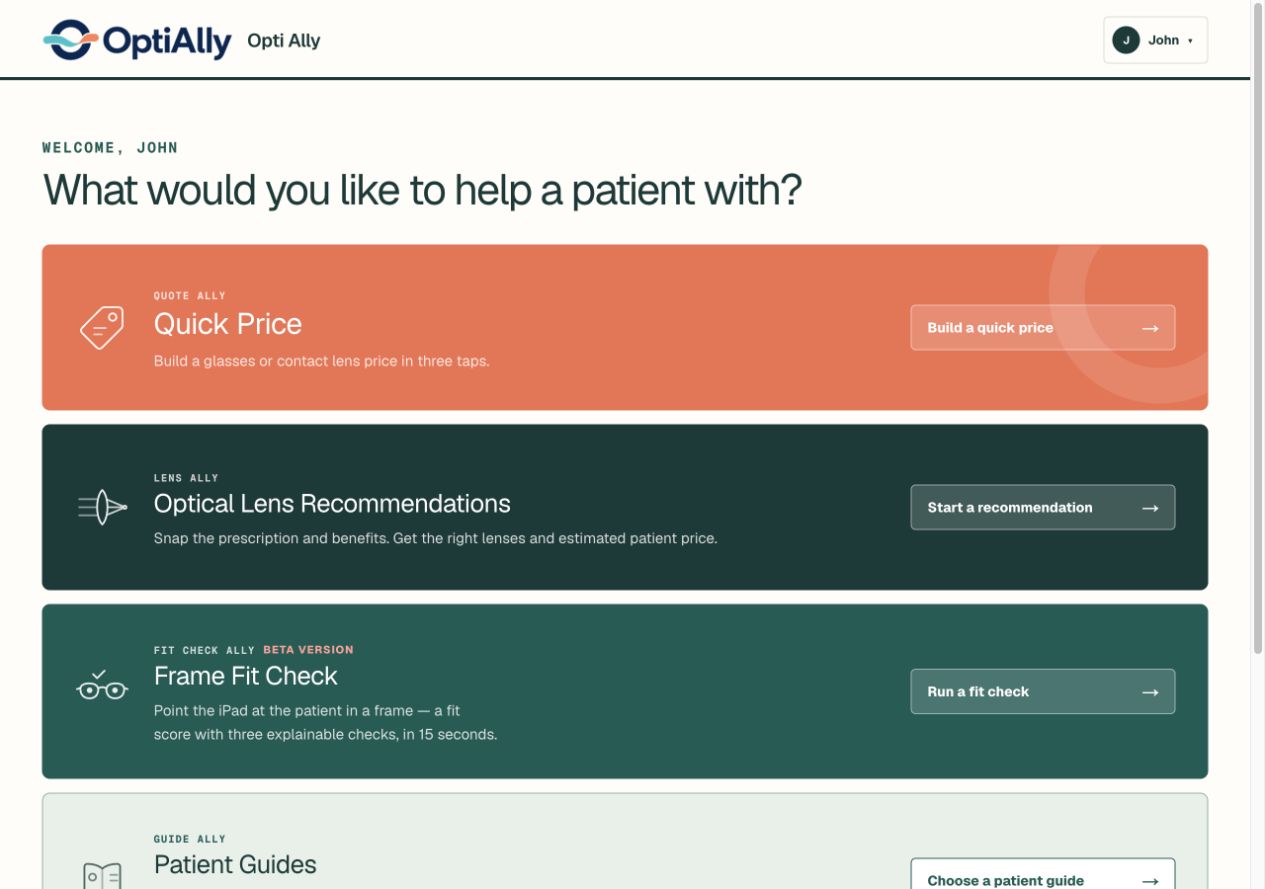
Quick Price, Lens Ally, Patient Guides, Fix Ally, and Fit Check Ally are available from one starting screen.
Walk through sample benefits, your practice’s pricing, and the estimated patient cost.
See a benefit sheet become a quote