
01
Bring in the prescription
Take a photo from the iPad, upload a file, or enter the Rx manually. Start the recommendation with the optometrist’s prescription—not a blank price sheet.
OptiAlly helps staff read vision benefits, understand the lens recommendation, and explain the estimated patient cost in regular language. Keep your EMR—this is help at the dispensing table.
Add any insurance with custom plan setup.
Photo, upload, or manual entry: choose what works at the sale. Lens Ally takes you through prescription and payment, patient needs, lens options, and the quote.
Review extracted information and confirm benefits before finalizing the sale.

Take a photo from the iPad, upload a file, or enter the Rx manually. Start the recommendation with the optometrist’s prescription—not a blank price sheet.
Choose cash pay or insurance. Use the benefit information and a patient-needs conversation to build the recommendation around the person in front of you.
Use your practice’s prices to explain lens choices and the estimated patient cost. Already know what you want to quote? Open Quote Ally for a quick glasses or contact-lens price.

Guide Ally walks patients through first progressives, contact-lens handling, and Ortho-K routines. Illustrated steps and take-home handouts help your staff explain things consistently.
If a patient returns with a complaint, open Fix Ally. Work through the prescription, measurements, symptoms, lens, and history, with guided checks and an optometrist hand-off note.
A patient quote should make the recommendation clearer. Quote Ally shows the selected products and estimated total in a clean presentation, with printable patient and staff versions.
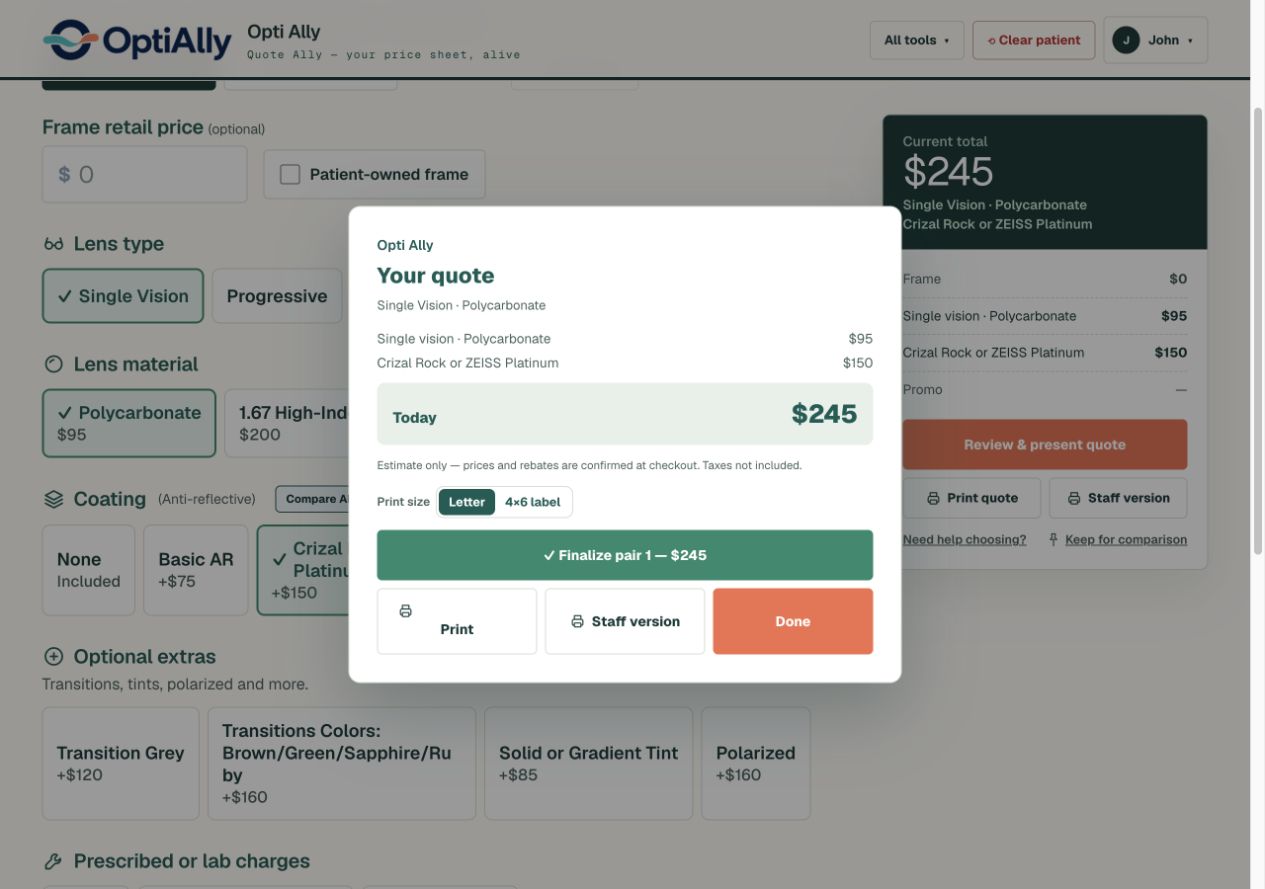
Walk through sample benefits, your practice’s pricing, and the estimated patient cost.
See a benefit sheet become a quote